
Use the desktop studio
Install Matemium, create a project, work through its roadmap, render, repair, and export without learning the engine internals first.

Built first for mathematics. Designed for complex ideas.
Matemium begins with the structure of an explanation—not a conventional video timeline and not a single prompt. Describe the idea, choose a production path, shape it with the agent, render locally, inspect the evidence, and deliver the result.
Use the desktop studio
Install Matemium, create a project, work through its roadmap, render, repair, and export without learning the engine internals first.
Author visual scenes
Learn scenes.py, CanvasBuilder, the automatic root tape, data visuals,
semantic state, multiple tapes, world transitions, morphs, and 3D inspection.
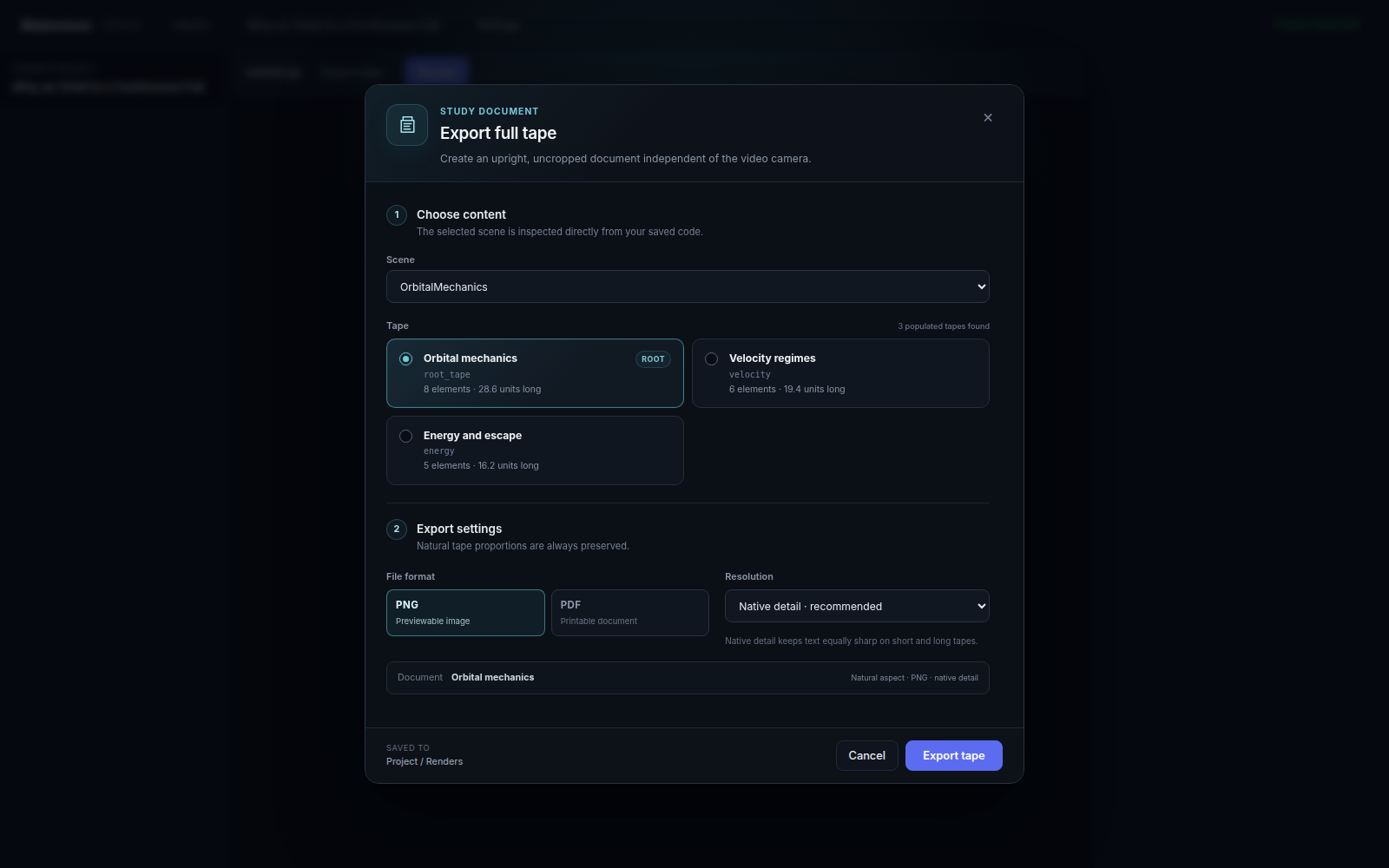
Export and move the work
Create full-tape PNG/PDF study documents or move an entire editable project— source, briefs, assets, and renders—as a portable archive.
1 · Describe
Establish the subject, audience, purpose, and intended understanding.
2 · Choose a path
Create a visual-first film, synthesize narration, or work around a custom voice.
3 · Shape with the agent
Resolve meaningful creative decisions before scene generation begins.
4 · Render and repair
Render on your machine, inspect visual evidence, and correct problems in context.
5 · Deliver
Export portrait reels, landscape lessons, or complete static reasoning sheets.
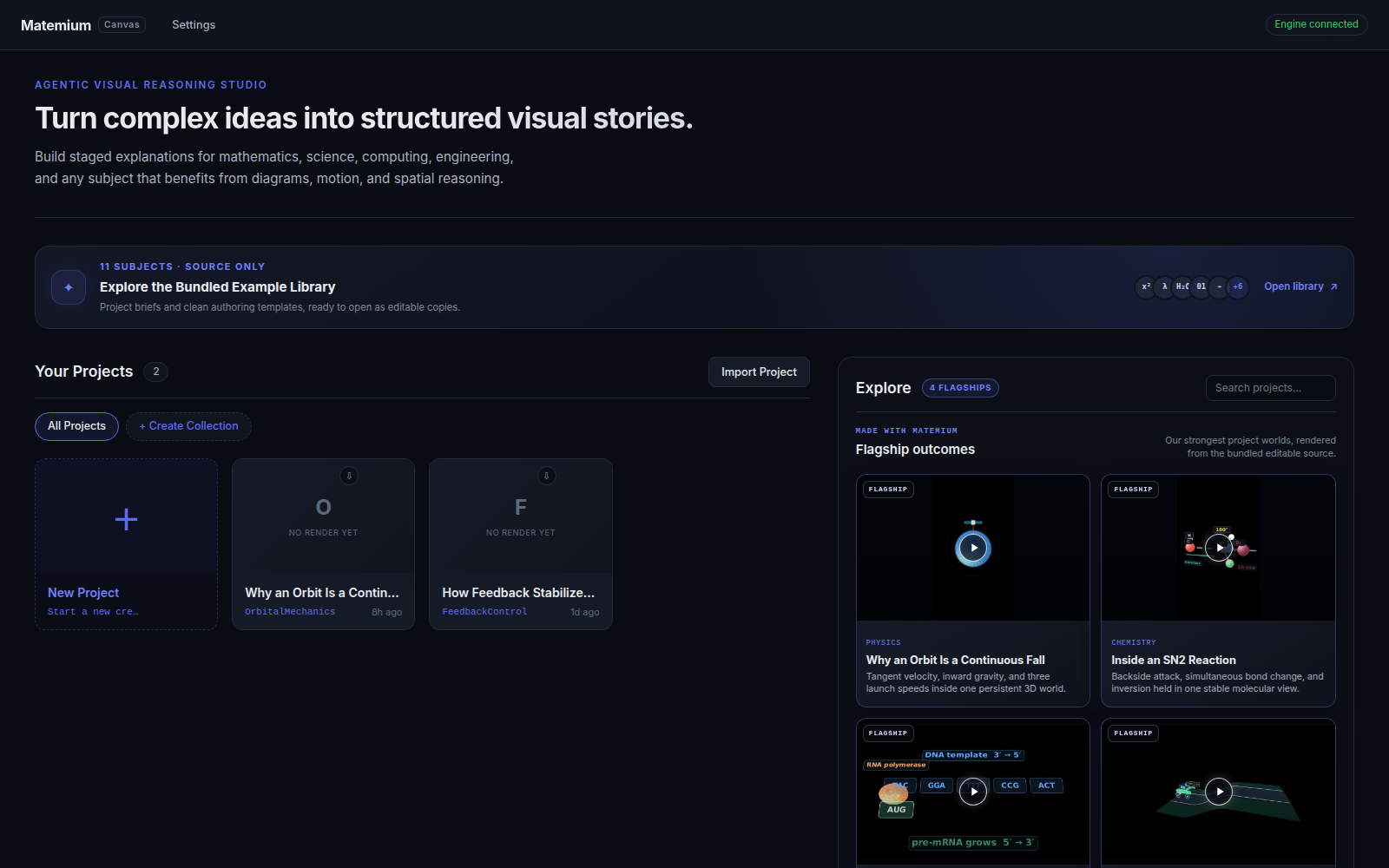
The recipe library explains projects that actually render in Matemium. Each recipe connects the finished result to its real authoring source.
The bundled source library also spans Fourier visualization, orbital mechanics, chemistry, graph algorithms, control engineering, economics, biology, history, philosophy, language learning, and municipal water systems.